
Film · 2.5 minutes
How Selma works
A short film on how Selma helps you find the barriers on your website, fix them and follow up as the website changes. It shows the platform's four parts and how you can try Selma on your own website.
The film is in Swedish, with Swedish captions in the picture. An English translation of everything said in it is further down the page.
Read more about the four parts

What the film says
Everything said in the film, translated from Swedish, for anyone who would rather read than listen.
Here is a short summary of how Selma helps with your digital accessibility.
A visitor wants to shop on a website, but the buy button cannot be reached with the keyboard. For someone who has the content read aloud, a form without clear field names can be impossible to fill in. Barriers like these are what digital accessibility is about. Selma helps you find them, fix them and follow up as the website changes.
The platform has four parts: Selma Scanning, Selma Widget, Selma Developer Tools and Selma Expert Help.
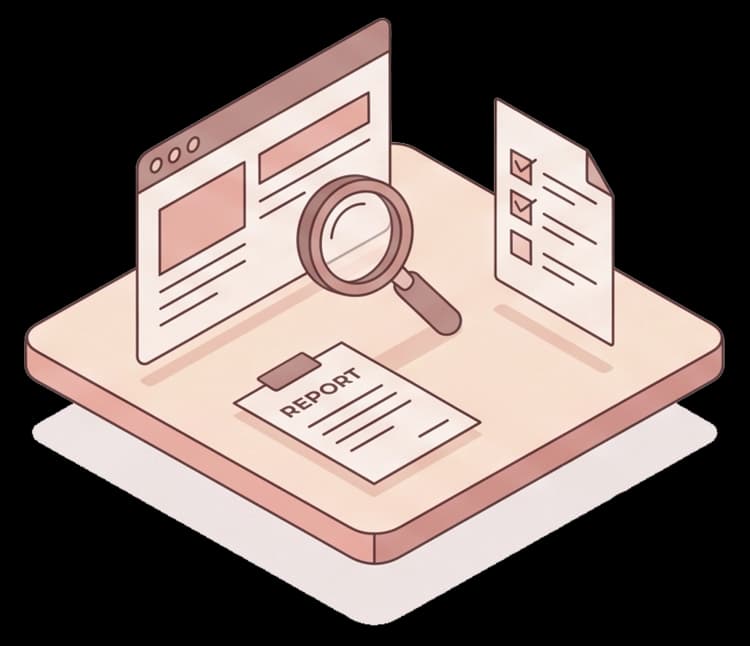
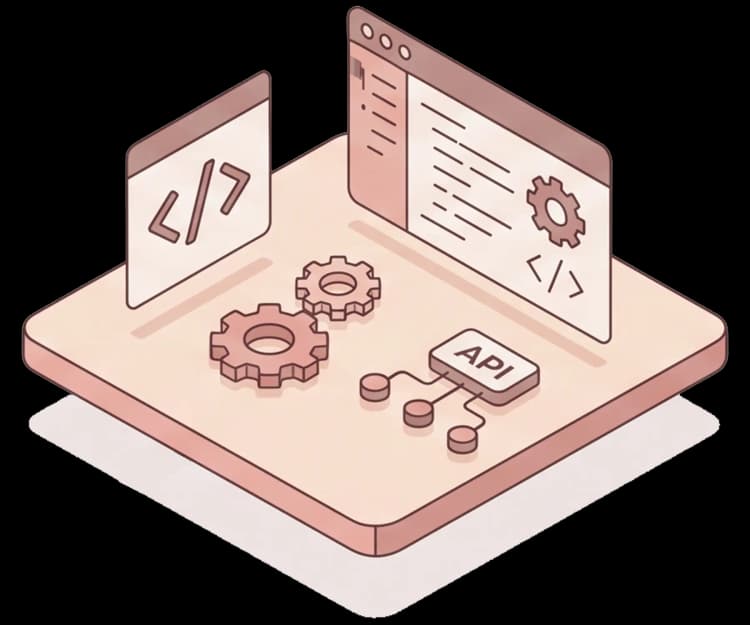
An automatic scan gives a first picture of the issues. You can then add an expert review and tests by people who use assistive technology themselves. That tells you more about how the website actually works for the visitor. Your developers or your web agency get prioritised fixes and concrete code examples.
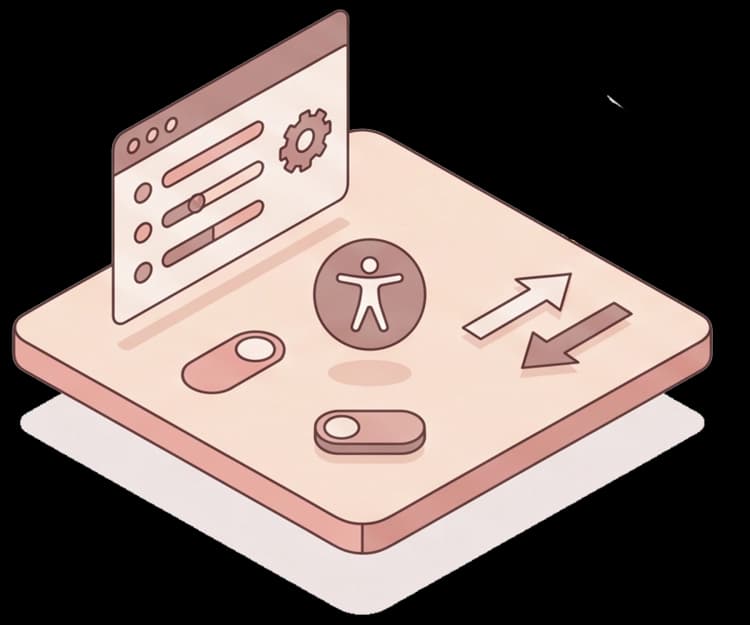
Selma's widget can automate some adjustments, such as alternative text, ARIA attributes and keyboard navigation. Visitors can also adjust their own experience: larger text and line spacing, higher contrast, an ADHD-friendly mode that reduces distractions and a seizure-safe mode that dampens motion.
Human review is needed for what automation cannot judge. You can also get help with accessible documents and legal guidance. Ongoing monitoring helps you find new issues as the content changes.
The goal is that more people can use your website. Clear headings and image descriptions also help search engines understand the content.
Selma has more than 250 Nordic and international customers. On Reco, customers give Selma 4.8 out of 5.
After our walkthrough, the next step is to try Selma on your own website. You or your web agency add the script to your content management system. We then measure before and after during the free trial. We go through what has improved and what needs more work. You get a report to share with your colleagues, so you can judge the result before you decide. Add the script and we will take care of the trial and the follow-up.
Want to see how Selma works on your website?
Book a meeting and we will go through your website and how you can try Selma. Or start with a free accessibility check of your domain.