
Selma Widget
An accessibility widget that installs in minutes
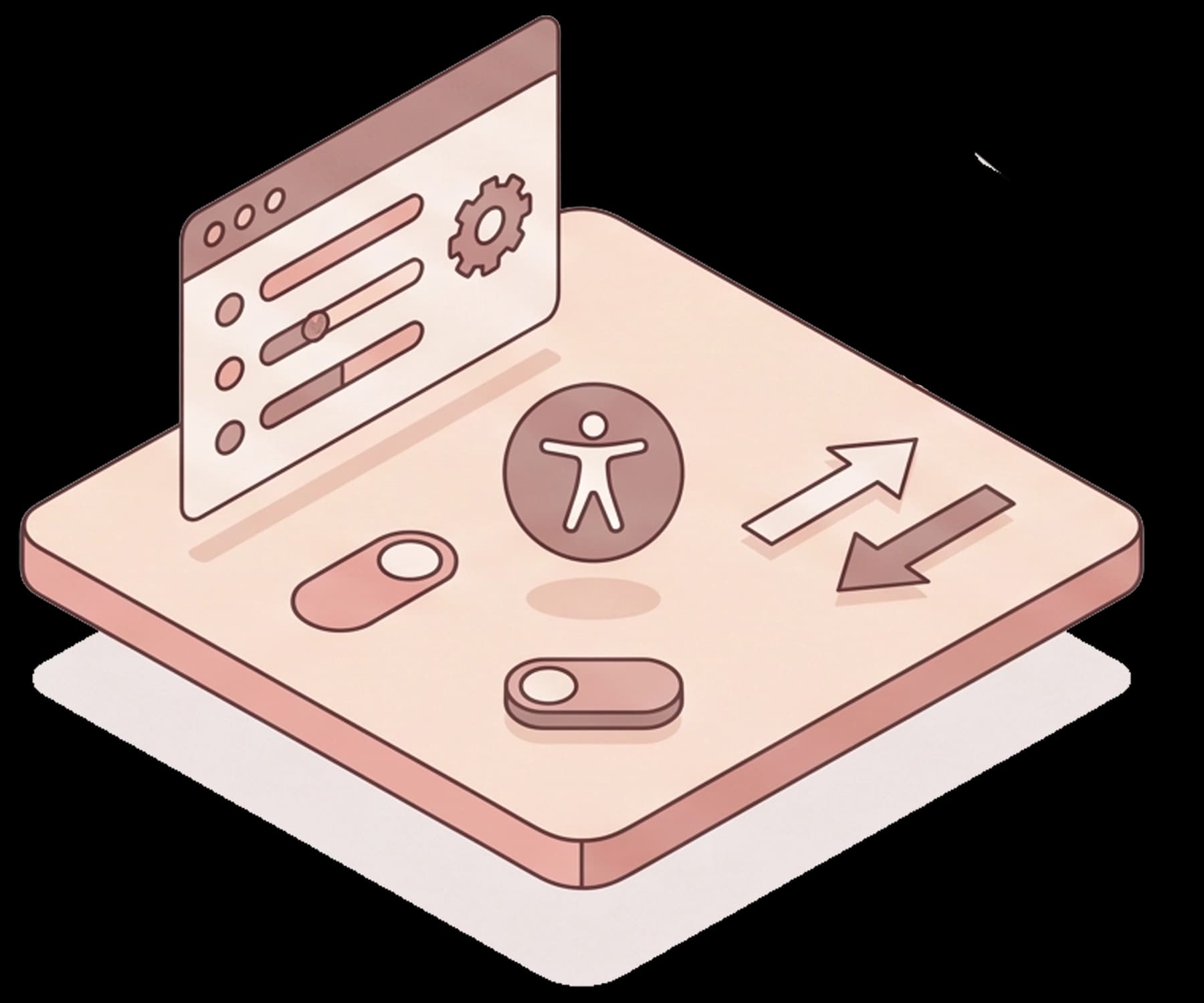
Selma Widget gives your visitors a menu where they can adjust text, contrast and motion to suit their needs. In the background it applies automatic improvements in the visitor's browser, without changing your source code.
Two parts in one widget
The menu for the visitor
The visitor opens the menu from an icon and picks a ready-made profile, or changes what they need themselves, such as text size, contrast or animations.
Improvements in the background
The widget goes through the pages and applies improvements in the visitor's browser, such as alternative text for images and information that screen readers need.
Try it yourself
The widget is on this page
Selma Widget is installed on selma.se. Open the accessibility menu from the icon in the corner of the page and try the profiles and adjustments.
Three steps
How it works
- 1
Install
Add one line of code to the site, or use a ready-made plugin for WordPress, for example. It takes a few minutes.
- 2
The widget scans
The widget goes through the pages and applies automatic adjustments, which show in the visitor's browser.
- 3
A new scan every 24 hours
The widget scans the pages again every 24 hours, so new content gets the automatic adjustments too.
What is included
More control for the visitor
Profiles for different needs
Ready-made profiles for low vision, cognitive needs and ADHD, among others, and a mode that stops flashing and moving content.

Own adjustments
The visitor can change text size, contrast, line spacing and the cursor, use a reading mask and stop animations.

Keyboard and screen readers
The widget improves focus and keyboard navigation and adds information that screen readers need, for menus, pop-ups and forms, for example.

Alternative text
Images without alternative text get a description written by AI.

The menu in 33 languages
The menu is available in 33 languages. The site's own content is not translated.

Loads after the page
The widget loads once the page is already showing, so it does not hold back the content.

Common platforms
Ready-made plugins and guides for WordPress, Shopify and Wix, among others, and one line of code for custom-built sites.
Reports
Monthly reports show what the widget has adjusted and how the menu is used, so you can carry the fixes into your own code.

Your look
The icon can take your colors and sit where it suits you. If a color becomes hard to see, the system tells you.
Good to know
What the widget does not do
The widget makes the page easier to use for many visitors, but it does not replace fixing the issues in the code.
Outside what the widget does
- Your source code does not change. The adjustments exist in the visitor's browser, and if the widget is removed, they are gone.
- PDFs and other documents, captions for video and content from other domains in iframes
- Subdomains and services on other domains, such as booking or payment
- Mobile apps
Selma Developer Tools helps your developers fix the issues in the code, and Selma Services carries out manual reviews and user tests.
Book an appointmentPackages
Not just a widget
Every package includes more than the widget. You find out where your website stands today and how you can fix the issues yourselves. From Standard, advice is included, and Advanced adds extensive advice, manual reviews and manual adjustments.
The packages also follow how many visitors your website has per month. More than 100,000 visitors or several sites? Book a demo and we will put together a plan.
Minimum
- Up to 5,000 visitors per month
- The menu for visitors
- Automatic adjustments based on WCAG 2.2
- An automatic review every month that shows where you stand and what you can fix yourselves
- Accessibility statement
- Customer support with replies within 72 hours
Standard
- Everything in Minimum
- 5,000–30,000 visitors per month
- Replies from support within 48 hours
- A dedicated account manager
- Detailed remediation report with code ready to commit
- Selma Care: documentation of efforts, fixes and logs, and legal and technical advice if an authority reviews you
Advanced
- Everything in Standard
- 30,000–100,000 visitors per month
- Selma Care +: manual expert review of up to 20 hours, and legal and technical advice if an authority reviews you or you are sued in the US or elsewhere in Europe
- Manual testing and adjustment of the widget for important flows, once a year
- An AI assistant in the menu that visitors can ask questions
- Connection to Google Analytics
Common questions about Selma Widget
- Does the widget change our source code?
- No. The adjustments are applied in the visitor's browser. The reports show what has been adjusted, so you can carry the fixes into your own code.
- Does the widget make the page slower?
- The widget loads once the page is already showing, so it does not hold back the content.
- Which platforms does it work with?
- With most of them. There are installation guides for WordPress, Shopify, Wix, Squarespace, Webflow, Umbraco and Optimizely, and for installing through Google Tag Manager. On custom-built sites, you add one line of code.
- Which languages is the menu in?
- 33 languages. That applies to the widget's menu – the site's own content is not translated.
- How is it different from Selma Developer Tools?
- The widget adjusts the page in the visitor's browser. Selma Developer Tools helps your developers fix the issues in the code. They can be used together.
- What does Selma Widget cost?
- It depends on how many visitors your website has and how much support you want. Book a demo and we will go through which package suits you.
See the widget on your own site
Book a demo and we will show you how the widget works on your website, and what it does not do.