
Selma Scanning
Automatic accessibility analysis in seconds
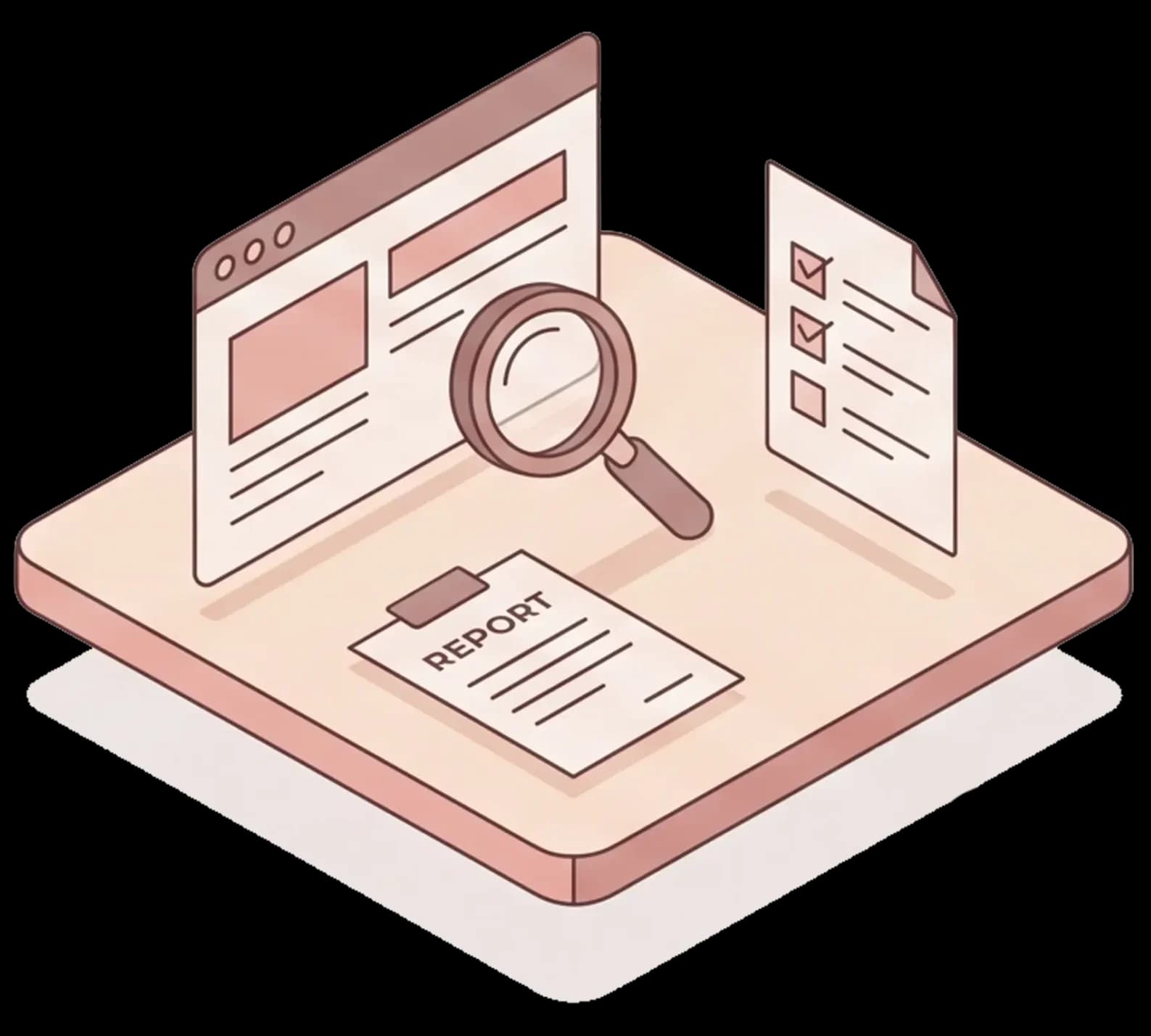
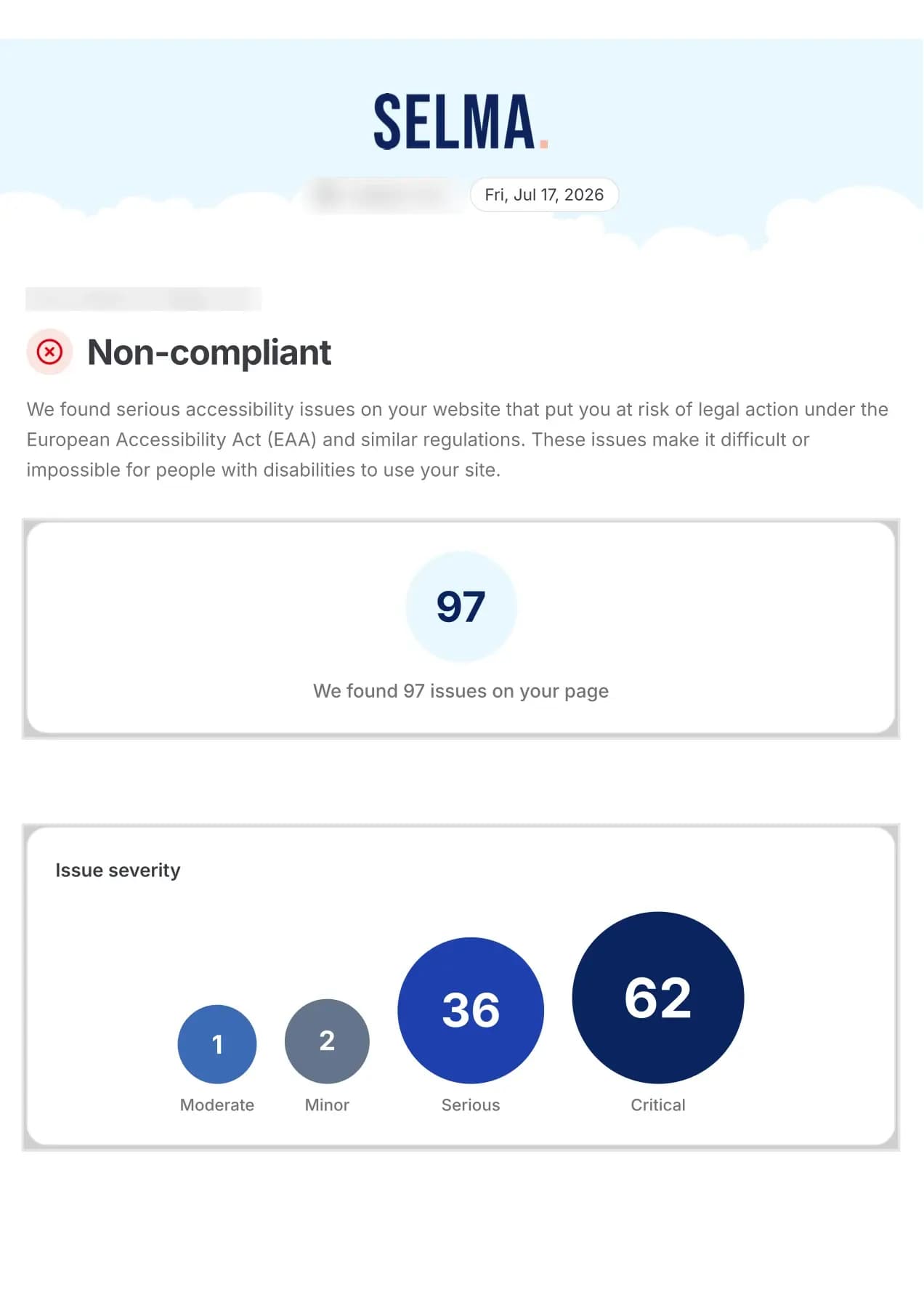
Selma Scanning tests a page on your domain against WCAG 2.1 AA and shows how many issues it finds and how serious they are. A free account includes one scan a month.
Selma Scanning at a glance
Seconds
from address to finished result
WCAG 2.1 AA
the standard the scan tests against
Free
one scan a month with an account
Three steps
How a scan works
- 1
Enter the address
Paste the address of the page you want to check, for example your home page. There is nothing to install.
- 2
See the result right away
After a few seconds you can see how many issues the scan found and how serious they are.
- 3
Get the report
The report is sent to your email, so you can share it with colleagues and decision-makers.
What the scan checks
The scan runs eleven automated checks in six areas, based on WCAG 2.1 AA:

Page basics
That the page has a title and states the language it is written in.
Buttons, menus and tabs
That they work with a keyboard and are announced correctly by screen readers.
Forms
That every field has a label a screen reader can read out.

Navigation and structure
That screen readers can find the menu, the main content and the breadcrumbs.

Images and emphasis
That images have alternative text and that emphasized text is accessible.
Tables and lists
That tables have headers and that lists are built as lists.
What the report contains
The report shows the state of the page on the day of the scan and helps you prioritize the work.
How many issues the page has
You can see straight away how many issues the scan found.
How serious they are
The issues are grouped as critical, serious, moderate and minor, so you know where to start.
Easy to share
The report arrives in your inbox and can be shared with colleagues and decision-makers, so you can agree on the next step.
Ongoing monitoring
Follow your progress month by month
Sign up for a free account and one scan a month is included. If you need more, you buy scans in volume.

One scan a month included
With a free account you scan one page every month at no cost.

Every scan is saved
When you are logged in, you can see all your previous scans and follow your progress.

The report goes to the right person
Choose which email address receives the report each month.
More scans when you need them
To scan more pages or several domains, you buy scans in volume.
Good to know
What an automated scan cannot find
An automated scan finds many common issues quickly. But it cannot judge everything, and it does not fix anything.

What a person needs to check
- Whether an alternative text actually describes the image
- Whether a whole flow, such as a purchase or a login, can be completed with a keyboard and a screen reader
- Whether texts and instructions are easy to understand
- The criteria added in WCAG 2.2, since the scan tests against WCAG 2.1 AA
- Pages other than the one you scan, since each page is scanned on its own
For the full picture, Selma Services carries out manual expert reviews and user tests with people who use screen readers every day.
Book an appointmentCommon questions about Selma Scanning
- What does Selma Scanning cost?
- A free account includes one scan a month. If you need more, you buy scans in volume. Book a meeting and we will tell you more.
- Is the whole domain scanned, or one page?
- A scan covers the page you enter. To check more pages, you run one scan per page.
- Which standard does the scan test against?
- WCAG 2.1 at level AA. WCAG is the international standard for web accessibility.
- Is an automated scan enough to meet the legal requirements?
- No. An automated scan finds many common issues, but not all of them, and it does not fix anything. To know whether your service meets the Swedish act on the accessibility of certain products and services (LPTT) or the Swedish act on accessibility to digital public services (DOS-lagen), a manual review is also needed. The scan is a good first step and a basis for the work that follows.
- Does the scan fix the issues?
- No, it shows where the issues are. They are fixed in your code, by you or with help from Selma Developer Tools or Selma Services.
See what the scan finds on your home page
Sign up for a free account and run your first scan today. It takes a few seconds.